Free citation generator
Generate citations in APA, MLA, Chicago, Harvard, IEEE, AMA and ACS. No sign-up. Enter a DOI or ISBN, or type the details, and get the in-text citation and reference entry as you type.
APA 7 expects sentence case here. We never change your capitalisation on our own. The convert buttons cannot recognise names, so re-capitalise proper nouns afterwards.
The site the page belongs to, for example Mayo Clinic.
Reference list entry
Fill in the details above and your citation appears here as you type.
In-text citation
Fill in the details above and your citation appears here as you type.
APA uses sentence case for article, book, page and video titles, and title case for the journal name. Titles are used exactly as you type them. APA wants a retrieval date only for pages that are meant to change and are not archived; the tool adds one when a web page has no date, so delete it if the page is fixed.
References (0)
Sources you add appear here in APA 7 format, in alphabetical order. The list is kept in this browser only.
Check every citation against your source and your instructor’s guidelines before you submit.
Correct citations without the busywork
Every style has its own rules for names, punctuation, italics and order. The generator applies them as you type. You still check each entry against the source, but you don’t place every comma by hand.
Need more source types or saved lists?
The generator on this page works without an account and keeps your list in this browser. The citation generator in the web app needs a free account and keeps your lists with your account.
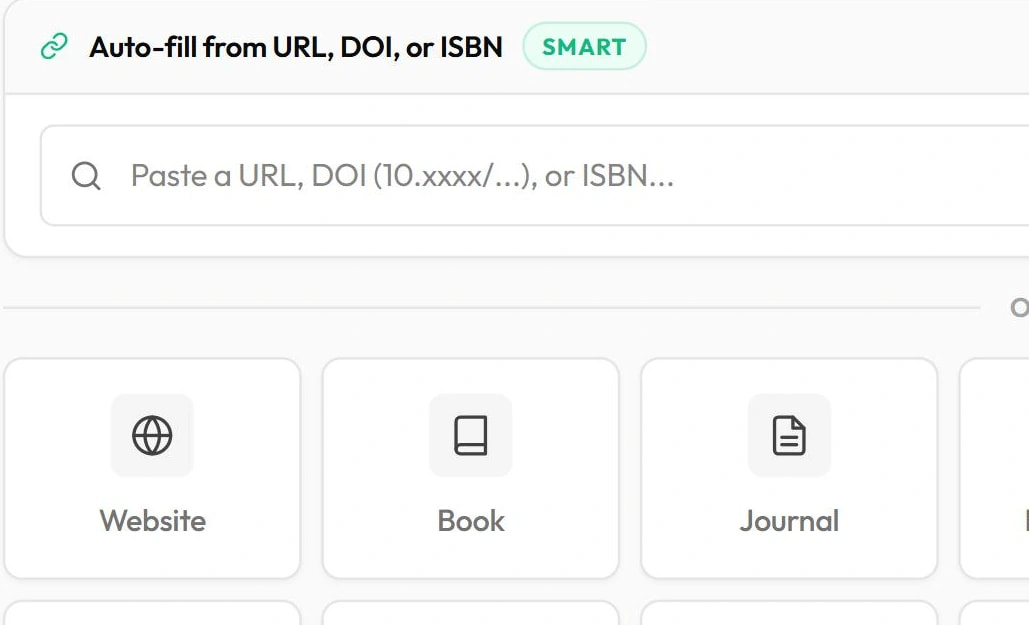
- Auto-fill from a URL as well as a DOI or ISBN
- 16 source types, including reports, theses and podcasts
- A separate saved reference list for each paper
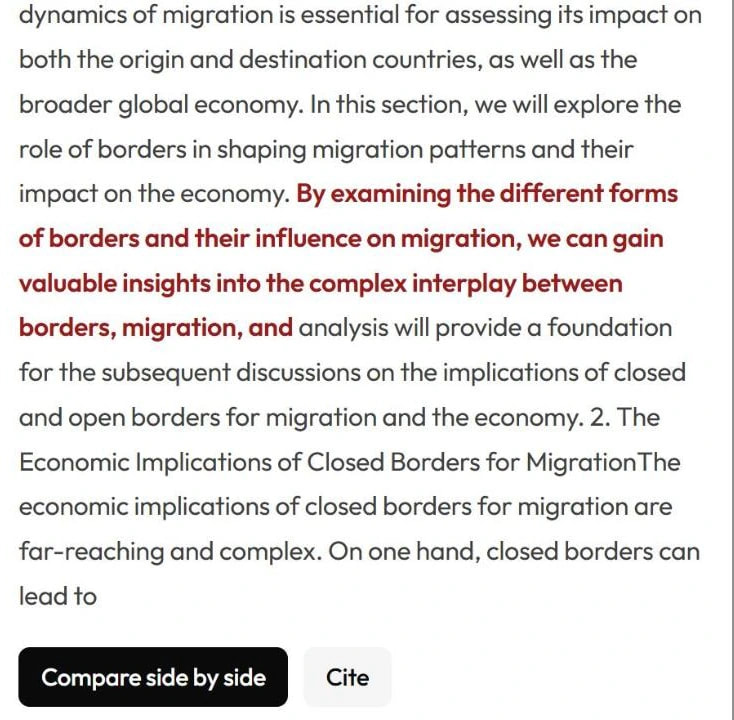
Found a match? Cite it in one click
When the plagiarism checker finds a passage that needs credit, open the match, read the source and add the citation without hunting for the details.
- Copied words shown in red
- Compare your text with the source side by side
- Cite in APA, MLA, Chicago or Harvard
Citation styles we support
Pick a style from the dropdown and the citation updates as you type. Change the style and your whole list is reformatted.
APA7th edition
Social sciences, psychology, education, business and nursing. Author-date with a References page.
MLA9th edition
Literature, languages, film and the humanities. Author-page with a Works Cited page.
Chicago17th edition
History and the arts. Both notes-bibliography (footnotes) and author-date.
HarvardCite Them Right
Common in UK, Australian and European universities. Author-date with a reference list.
IEEE
Engineering and computer science. Numbered in-text citations and reference list.
AMA11th edition
Medicine and biomedical research. Superscript numbers and a numbered reference list.
ACS
American Chemical Society style, used in chemistry. Numbered references.
The web app, which needs a free account, also formats Vancouver, Turabian, CSE, ASA and APSA.
Source types you can cite here
The form changes with the source type, so you only see the fields that style and source need.
- Website
- Book
- Journal article
- YouTube or other online video
How the citation generator works
Pick your style and source type
APA 7, MLA 9, Chicago 17, Harvard, IEEE, AMA or ACS, for a website, book, journal article or video.
Add your source
Enter a DOI or ISBN to fill in a journal article or book, or type the details by hand.
Copy the citation
Copy the in-text citation and the reference entry with italics, or build a list and copy it all.
Built for the way you write
Students
Stop hand-formatting citations. Add your sources, copy your reference list, and get on with the writing.
Researchers and academics
Fill in an article from its DOI, then switch style to reformat the whole reference list at once.
Teachers
Show students how the same source looks in each style, with the in-text citation next to the full entry.
Writers and journalists
Add credible citations to articles, white papers and reports, in the style your publication uses.
Citation generator questions
Generate your first citation in seconds
Free, with no sign-up. APA, MLA, Chicago, Harvard, IEEE, AMA and ACS.